JSON visualizer
Visualize JSON as you read it
The JSON visualizer draws a payload as a structure you can expand and collapse. Deeply nested objects and long arrays become easy to scan.
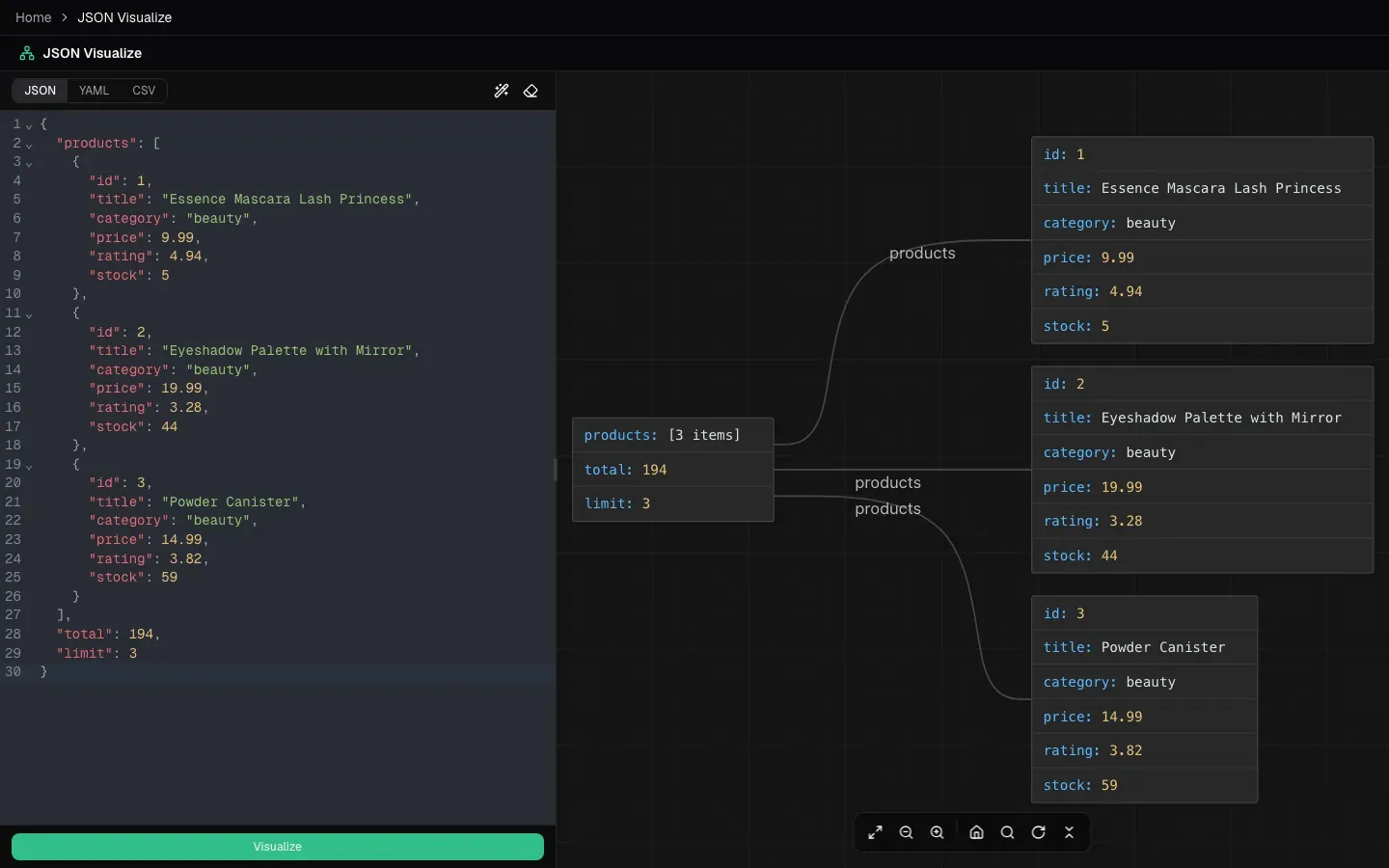
Live demo
Open only what you need.
A nested response with each branch collapsed to its size. Expand a branch to read it; the app draws the same data as a graph you can pan and zoom.
visualize · response.json
A simplified tree view. The app renders an interactive node graph.
In the app
It helps when you are learning an unfamiliar API and want to see its shape before writing code against it.
The data stays on your device while you explore it.
How it works
From first click to result.
- 01
Paste JSON, YAML or CSV
Drop in a payload in any of the three formats and it is parsed in your browser.
- 02
Explore the graph
Objects and arrays become nodes. Collapse the branches you do not need and follow the ones you do.
- 03
Search for a field
Search highlights matching nodes and steps through each match in turn.
Capabilities
The details that matter.
format: json | yaml | csv
Three formats
The same view works for a JSON response, a YAML file or a CSV export.
collapse: per branch
Fold what you have read
Collapse any object or array, so a long list does not push everything else off screen.
layout: any direction
Turn the graph
Lay the graph out left to right or top to bottom, whichever suits the shape of the data.
upload: none
Stays on your device
The data is parsed and drawn in your browser.
See the shape before you write the code.
Paste a payload and explore it. Nothing to install.
Free, open source, no sign-up.