Backup and restore
Back up and restore your workspace
Requestr keeps your data in the browser, so a backup file is how you move it or keep a safe copy. Export picks the sections you want and saves a single file.
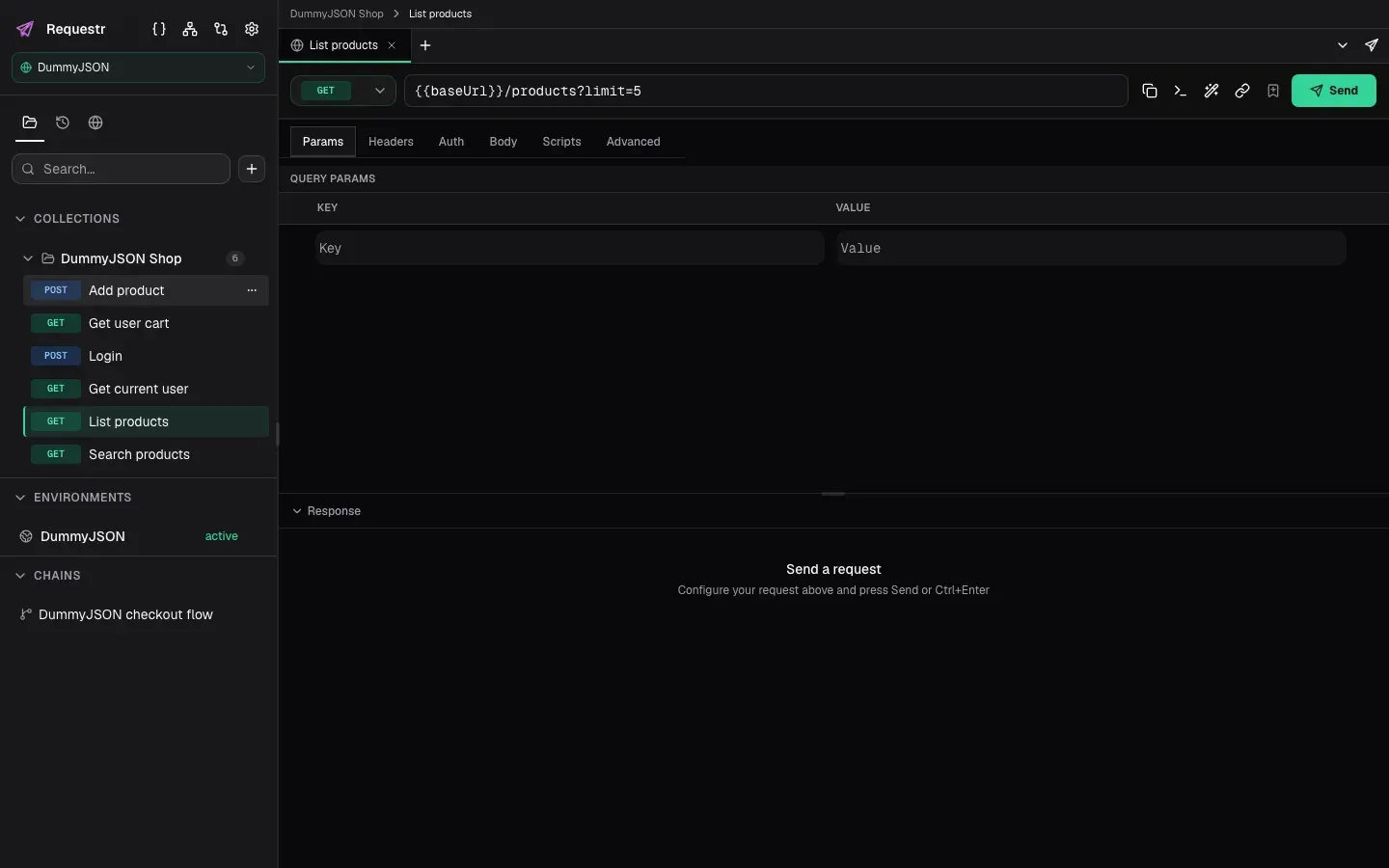
Live demo
One file out, one file back in.
Step through the two dialogs. The captures are from the app.
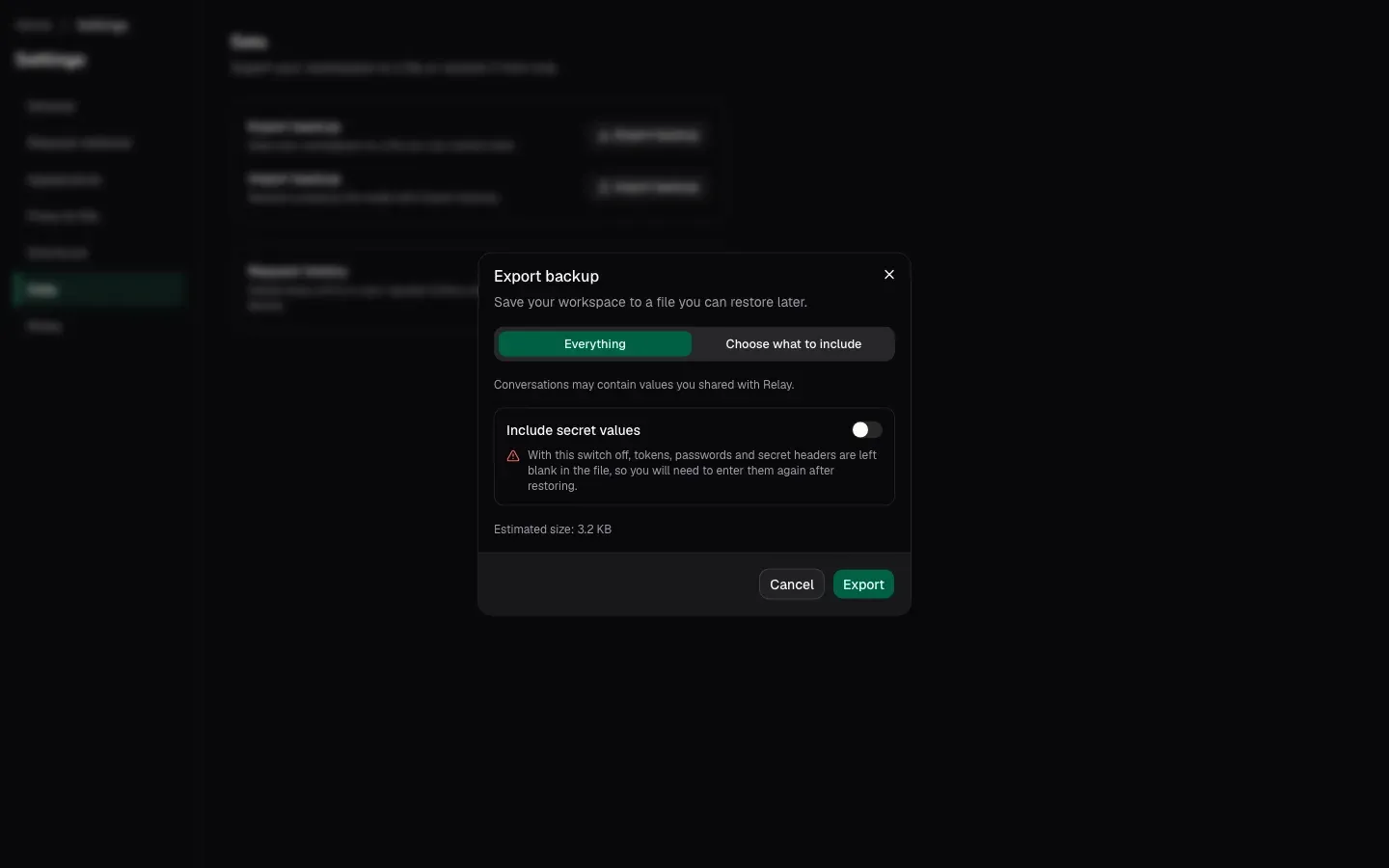
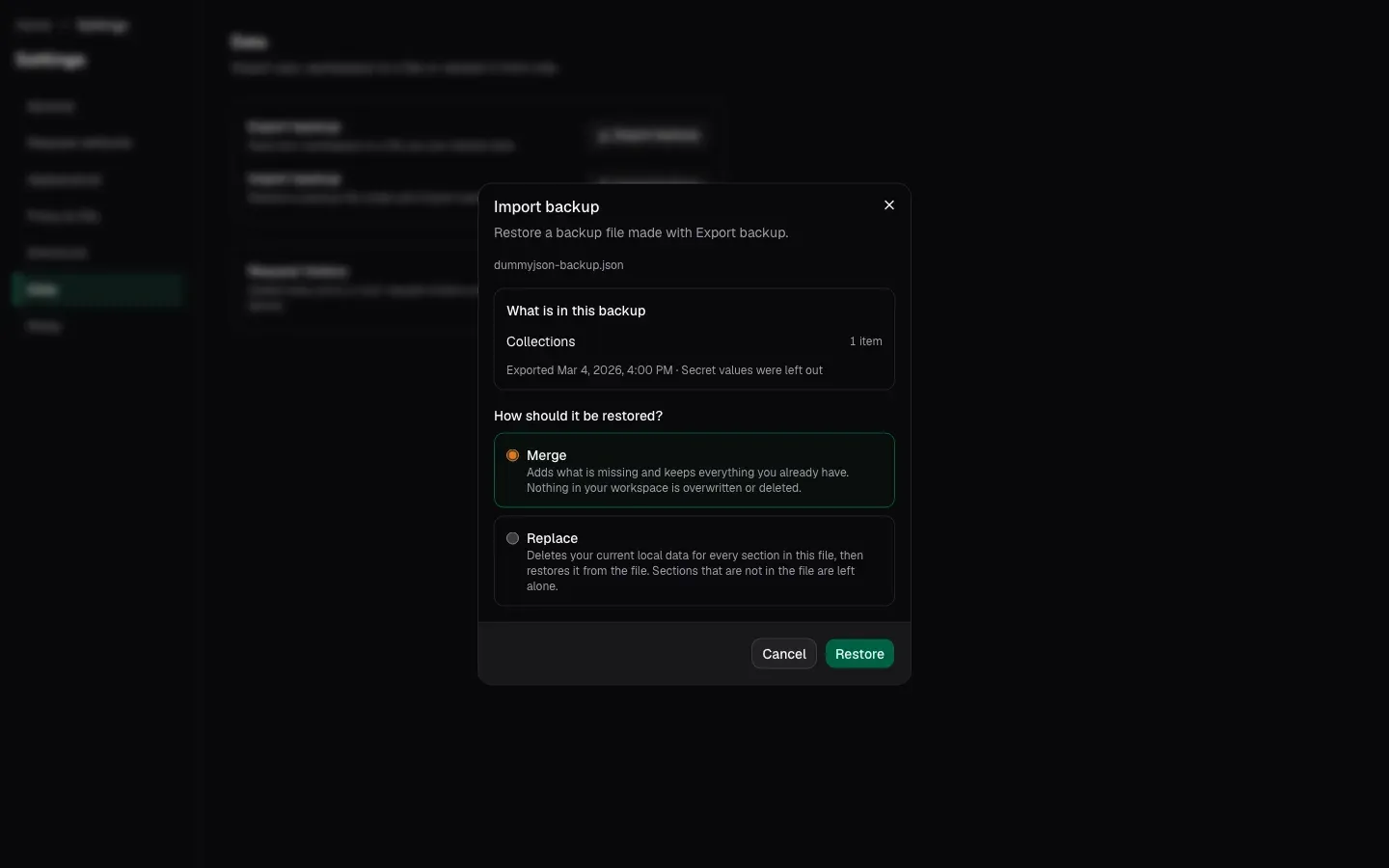
Screens captured from the app.
In the app
Restoring shows a preview of what is inside before anything changes, and asks before it replaces existing data.
The file stays with you. Nothing is stored on a server.
How it works
From first click to result.
- 01
Choose what to include
Export everything, or pick the collections, environments and history you want.
- 02
Save one file
The export is a single file. Secret values are left blank unless you switch them on.
- 03
Restore with a preview
The restore dialog lists what is in the file. Merge adds what is missing; Replace swaps only the sections in the file.
Capabilities
The details that matter.
secrets: off by default
Secrets stay out
Secret values are left blank in the file unless you turn Include secret values on.
restore: merge | replace
Merge or Replace
Merge keeps what you have and adds what is missing. Replace swaps only what the file contains.
export: estimated size
Know what you are saving
The export dialog shows an estimated size before you save.
server: none
The file stays with you
Nothing is stored on a server. The backup is yours to keep or move.
With Relay
Or ask Relay to do it.
Ask Relay to back up or restore. It always asks first.
Relay tools it uses
- export_backup
- import_backup
Relay
- Back up my collections and environments
Keep a copy of your work.
Your data lives in this browser. A backup file is how you move it.
Free, open source, no sign-up.